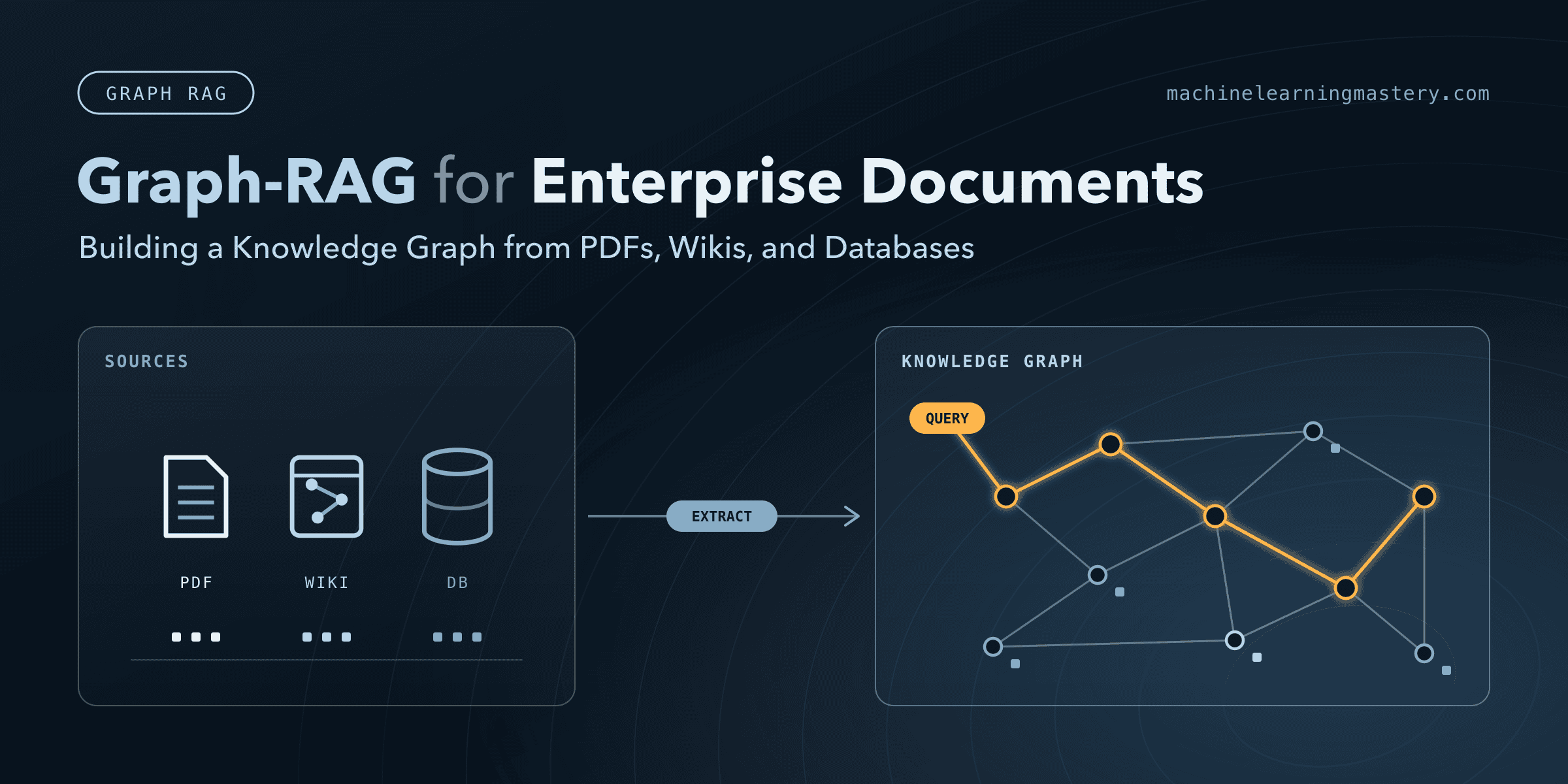
Graph-RAG for Enterprise Documents: Building a Knowledge Graph from PDFs, Wikis, and Databases
Prerequisites
You'll need Python 3.
In this article, you will learn how to build a Graph-RAG system that combines a live database, wiki pages, and PDFs into one prioritized knowledge source, so your assistant gives a single, correct answer when those sources disagree.
Topics we will cover include:
- How to turn database rows and wiki runbooks into prioritized facts in a simple quad store.
- How to extract, chunk, and embed PDF text with pdfplumber and Chroma as a vector fallback.
- How to fuse all three tiers into one prompt with explicit priority rules that resolve conflicts.
An engineer pings your internal AI assistant at 11 p.m. and asks who’s on-call for the payments service. The assistant has read the wiki, indexed every PDF in the shared drive, and has a live connection to the service registry. It should be a trivial question.
But the wiki was last edited four months ago, the on-call rotation has changed twice since then, and the database has the current answer sitting in a single row. If retrieval treats all three sources as equally trustworthy text, there’s a real chance it hands your engineer someone who left the rotation months ago.
That’s the exact failure covered in the article Beyond Vector Search: Building a Deterministic 3-Tiered Graph-RAG System, where vector-only RAG confuses which team a basketball player currently plays for, because multiple team names sit close together in embedding space. The fix: three retrieval tiers (an absolute-facts graph, a background-stats graph, and a vector database), fused through explicit priority rules written into the prompt instead of a routing algorithm.
This article takes that same architecture and points it at a live database, a set of wiki pages, and a batch of PDFs, all feeding one fused answer.
The approach has real-world backing: an IDC study sponsored by Neo4j found organizations grounding generative AI in graph-based context cut hallucination rates by 44 percent on average, and one life sciences company went from a 20 to 40 percent hallucination rate down to 2 to 5 percent.
The Scenario
We’ll build for a fictional platform team at “Northwind,” running three services: payments-service, checkout-service, notifications-service.
Three sources describe them. A service registry database (Postgres in reality, SQLite here) holds the owner, on-call engineer, status, version, and SLA tier, live and always current, so it becomes Priority 1.
A wiki space of runbooks is thorough but drifts stale the moment nobody updates it after a rotation change, so it becomes Priority 2, useful until it conflicts with something more current.
A folder of PDFs (an SLA doc, an incident postmortem) adds narrative context no structured source holds, so it becomes Priority 3, our vector fallback.
We’ll deliberately plant one conflict: the wiki’s payments runbook names an on-call engineer the database no longer agrees with. That conflict is the whole reason this architecture exists.
Prerequisites
You’ll need Python 3.10+ and a local model server. Like the original article, we’ll use Ollama with llama3.2; swapping in a hosted API later only changes the one function that sends the final request.
ollama pull llama3.2
mkdir graphrag-enterprise && cd graphrag-enterprise
mkdir -p data/wiki data/pdfs
pip install chromadb spacy pdfplumber requests
python -m spacy download en_core_web_sm
chromadb is our Priority 3 vector store. spacy handles named entity recognition so we can pull service names out of a question. pdfplumber extracts PDF text more reliably than most lightweight alternatives. requests talks to Ollama’s local REST API.
Step 1: The Quad Store and the CMDB (Priority 1)
Priorities 1 and 2 both need a home: a Subject-Predicate-Object-Context (SPOC) quad store. Rather than pull in the original tutorial’s QuadStore library, here’s a minimal version built from scratch:
# quadstore.py
class QuadStore:
    def __init__(self):
        self._quads = []
    def add(self, subject, predicate, object, context="general"):
        self._quads.append((subject, predicate, object, context))
    def query(self, subject=None, predicate=None, object=None, context=None):
        results = []
        for s, p, o, c in self._quads:
            if subject is not None and s != subject:
                continue
            if predicate is not None and p != predicate:
                continue
            if object is not None and o != object:
                continue
            if context is not None and c != context:
                continue
            results.append((s, p, o, c))
        return results
    def __len__(self):
        return len(self._quads)
Two methods, four fields, and any argument left None acts as a wildcard. The original library indexes these fields for constant-time lookups, which matters at millions of facts; a plain scan is fine for one team’s service catalog.
Now the database itself: our service registry, or configuration management database (CMDB). SQLite keeps the tutorial dependency-free; swapping in psycopg2 and a Postgres connection string later is an isolated change.
# setup_cmdb.py
import sqlite3
DB_PATH = "data/cmdb.db"
SCHEMA = """
CREATE TABLE IF NOT EXISTS services (
    service_name TEXT PRIMARY KEY,
    owner_team TEXT NOT NULL,
    on_call_engineer TEXT NOT NULL,
    status TEXT NOT NULL,
    current_version TEXT NOT NULL,
    last_deployed TEXT NOT NULL,
    sla_tier TEXT NOT NULL
);
"""
SERVICES = [
    ("payments-service", "Payments Platform", "Amara Chen", "active", "4.2.1", "2026-09-10", "Tier-1 (99.95%)"),
    ("checkout-service", "Checkout Experience", "Diego Ruiz", "active", "2.9.0", "2026-08-22", "Tier-1 (99.95%)"),
    ("notifications-service", "Platform Comms", "Priya Nair", "deprecated", "1.4.3", "2025-11-02", "Tier-2 (99.9%)"),
]
conn = sqlite3.connect(DB_PATH)
conn.execute(SCHEMA)
conn.executemany("INSERT OR REPLACE INTO services VALUES (?, ?, ?, ?, ?, ?, ?)", SERVICES)
conn.commit()
conn.close()
notifications-service is marked deprecated on purpose; we’ll use that later. Run it, and you have a real .db file.
Next, convert those rows into Priority 1 facts, querying live every time so they’re never stale by construction:
# ingest_db.py
import sqlite3
from quadstore import QuadStore
FIELD_TO_PREDICATE = {
    "owner_team": "owner_team",
    "on_call_engineer": "on_call_engineer",
    "status": "status",
    "current_version": "current_version",
    "last_deployed": "last_deployed",
    "sla_tier": "sla_tier",
}
def build_p1_store(db_path="data/cmdb.db"):
    qs = QuadStore()
    conn = sqlite3.connect(db_path)
    conn.row_factory = sqlite3.Row
    rows = conn.execute("SELECT * FROM services").fetchall()
    conn.close()
    for row in rows:
        for field, predicate in FIELD_TO_PREDICATE.items():
            qs.add(row["service_name"], predicate, row[field], "cmdb")
    return qs
Every fact gets tagged with context “cmdb”, so downstream code always knows which tier it came from.
Step 2: Ingesting the Wiki (Priority 2)
Wiki pages don’t hand you clean columns, so this means parsing prose. We’ll keep it narrow: regex patterns for the “key: value” style most runbooks use.
Here’s data/wiki/runbook-payments.md, written the way a real page drifts out of date:
# Payments Service Runbook
Owner team: Payments Platform
On-call engineer: Jordan Blake
Escalation: page #payments-oncall in PagerDuty if no response in 10 minutes.
Jordan Blake here, Amara Chen in the database: our planted conflict. Add a matching runbook-checkout.md (Diego Ruiz, consistent with the database) and an onboarding page mentioning that notifications-service is being sunset.
Now extract:
# ingest_wiki.py
import re, glob
from pathlib import Path
from quadstore import QuadStore
FIELD_PATTERNS = {
    "owner_team": re.compile(r"Owner team:\s*(.+)"),
    "on_call_engineer": re.compile(r"On-call engineer:\s*(.+)"),
}
def service_name_from_filename(path):
    stem = Path(path).stem
    return stem.replace("runbook-", "") + "-service" if stem.startswith("runbook-") else stem
def build_p2_store(wiki_dir="data/wiki"):
    qs = QuadStore()
    for path in glob.glob(f"{wiki_dir}/*.md"):
        text = Path(path).read_text()
        service = service_name_from_filename(path)
        for predicate, pattern in FIELD_PATTERNS.items():
            match = pattern.search(text)
            if match:
                qs.add(service, predicate, match.group(1).strip(), Path(path).name)
    return qs
Each fact is tagged with the wiki page it came from, so a disagreement later traces back to a specific document. In production, a real Confluence export won’t follow this tidy convention; you’d widen the patterns per template or add a lightweight LLM extraction pass for pages that don’t fit one.
Step 3: Ingesting PDFs (Priority 3)
PDFs aren’t going to resolve into clean facts, and we’re not trying to make them. For this tutorial, create two sample PDFs: an SLA document stating that payments-service commits to 99.95 percent monthly uptime with a service-credit process, and a postmortem describing a September 14, 2026, incident where on-call engineer Amara Chen diagnosed a database failover and rolled back the connection pool within nine minutes. (Any PDF writer works for generating these; ReportLab or exporting from a doc editor are both fine.)
Then extract, chunk, and embed:
# ingest_pdfs.py
import glob
from pathlib import Path
import chromadb
from chromadb.config import Settings
import pdfplumber
def extract_text(pdf_path):
    with pdfplumber.open(pdf_path) as pdf:
        return "\n".join(page.extract_text() or "" for page in pdf.pages)
def chunk_text(text, chunk_size=500):
    words, chunks, current, current_len = text.split(), [], [], 0
    for word in words:
        current.append(word)
        current_len += len(word) + 1
        if current_len >= chunk_size:
            chunks.append(" ".join(current)); current, current_len = [], 0
    if current:
        chunks.append(" ".join(current))
    return chunks
def build_p3_store(pdf_dir="data/pdfs", chroma_path="data/chroma_db"):
    client = chromadb.PersistentClient(path=chroma_path, settings=Settings(anonymized_telemetry=False))
    collection = client.get_or_create_collection(name="enterprise_docs")
    documents, ids, metadatas = [], [], []
    for pdf_path in glob.glob(f"{pdf_dir}/*.pdf"):
        name = Path(pdf_path).stem
        for i, chunk in enumerate(chunk_text(extract_text(pdf_path))):
            documents.append(chunk); ids.append(f"{name}-{i}"); metadatas.append({"source": name})
    if documents:
        collection.upsert(documents=documents, ids=ids, metadatas=metadatas)
    return collection
pdfplumber handles the page-by-page text extraction. Chunks stay small (around 500 characters) so each one holds one idea, which matters for retrieval precision; longer PDFs would want a token-aware splitter instead. The first run downloads Chroma’s default embedding model automatically.
Step 4: Retrieval and the Fused Prompt
With three stores built, we need to pull entities from a question and query all three, then hand everything to the model with explicit rules for resolving conflicts.
# retrieval.py
import spacy
nlp = spacy.load("en_core_web_sm")
KNOWN_SERVICES = ["payments-service", "checkout-service", "notifications-service"]
def extract_entities(text):
    entities = {ent.text for ent in nlp(text).ents}
    lowered = text.lower()
    entities.update(s for s in KNOWN_SERVICES if s in lowered)
    return list(entities)
def get_facts(quad_store, entities):
    facts = []
    for entity in entities:
        facts.extend(quad_store.query(subject=entity))
        facts.extend(quad_store.query(object=entity))
    return list(set(facts))
def federated_retrieve(question, p1_store, p2_store, chroma_collection, n_results=2):
    entities = extract_entities(question)
    facts_p1 = get_facts(p1_store, entities)
    facts_p2 = get_facts(p2_store, entities)
    vector_results = chroma_collection.query(query_texts=[question], n_results=n_results)
    return entities, facts_p1, facts_p2, vector_results
spaCy’s general model won’t recognize our made-up service names on its own, so pairing it with a small known-terms list is a common, practical fix for internal tools. get_facts() checks each entity as both subject and object, since a fact can name it either way.
Now for the part that actually resolves conflicts. It isn’t code logic, but a prompt:
# prompt.py
def format_quads(quads):
    return "\n".join(f"({c}) {s} {p.replace('_', ' ')}: {o}." for s, p, o, c in quads)
def format_vector_results(vector_results):
    if not vector_results or not vector_results.get("documents"):
        return ""
    return "\n\n".join(vector_results["documents"][0])
def build_system_prompt(facts_p1, facts_p2, vector_results):
    p1 = format_quads(facts_p1) or "(none retrieved for this question)"
    p2 = format_quads(facts_p2) or "(none retrieved for this question)"
    p3 = format_vector_results(vector_results) or "(none retrieved for this question)"
    return f"""You are a strict data-retrieval assistant for an internal engineering platform. Your ONLY knowledge comes from the text below. Ignore anything you think you already know about these services.
PRIORITY RULES (strict):
1. Priority 1 comes from the live CMDB and is always current. If it answers the question, use ONLY that answer.
2. Priority 2 comes from wiki pages and can go stale. If it conflicts with Priority 1, Priority 1 wins and you must not mention Priority 2's version.
3. Only fall back to Priority 2 if Priority 1 has no relevant answer.
4. Priority 3 is unstructured document text. Use it for narrative detail, but never let it override a Priority 1 fact.
5. If nothing answers the question, say "I do not have enough information" rather than guessing.
Give one single, direct answer. Do not list conflicting possibilities or mention which tier the answer came from.
---
[PRIORITY 1: CMDB] {p1}
[PRIORITY 2: WIKI] {p2}
[PRIORITY 3: DOCUMENTS] {p3}
---
"""
Rule 2 is the one doing the real work: it doesn’t just say “prefer
Comments
No comments yet. Start the discussion.