4 Claude Skills Every Data Scientist Needs in 2026
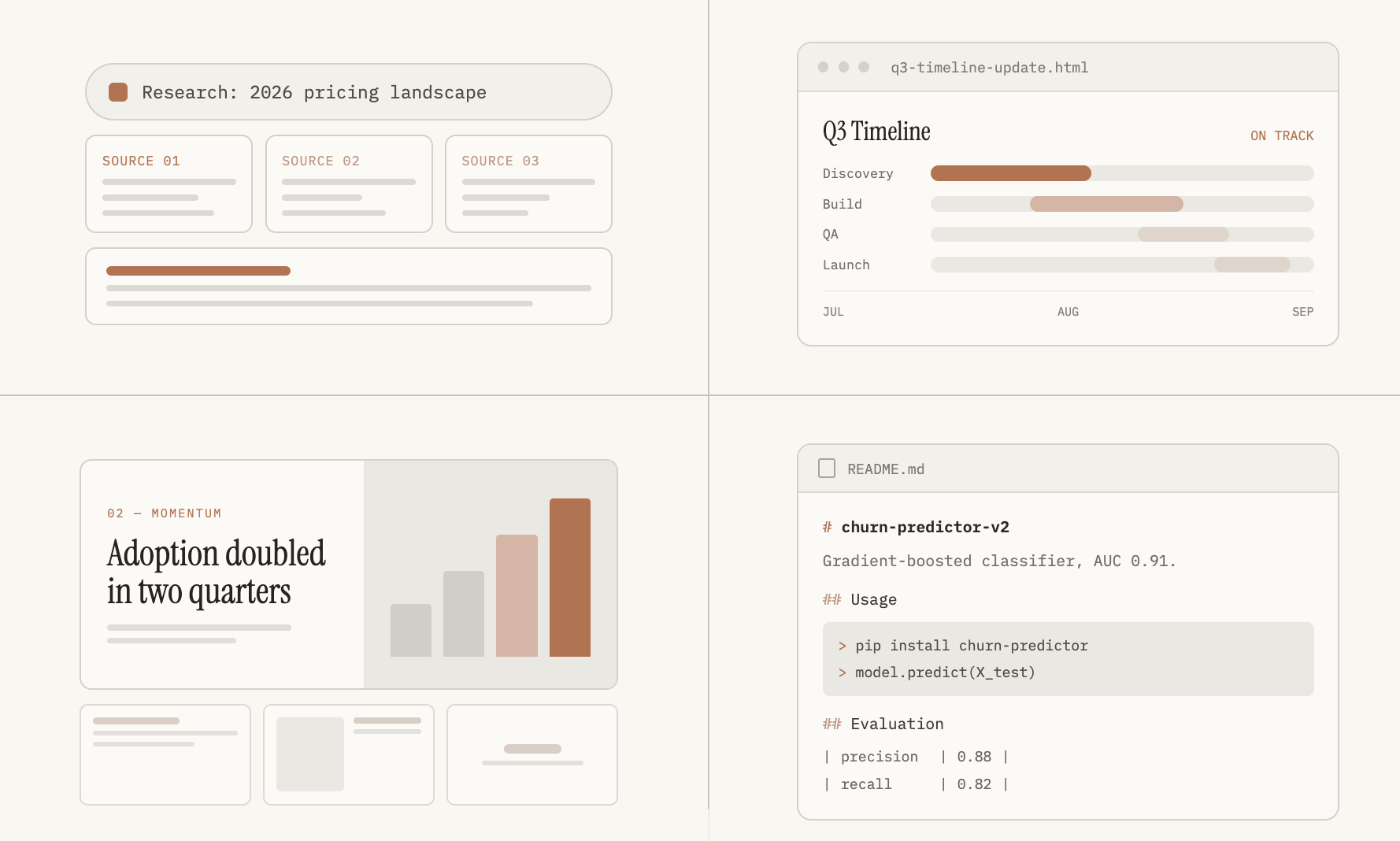
4 Claude Skills Every Data Scientist Needs in 2026 Four skills worth adding to your workflow today if you don't want to be left behind A couple months ago I wrote about 3 Claude skills every data scientist needs to learn in 2026: Claude Dashboards Claude Cowork for prioritizing Jira tickets Debugging with Claude Code. But these use cases only scratch the surface. There are many more ways Claude can cut down repetitive work and free up time for the parts of the job that actually need a person. So here are 4 more. 1. Deep Research for Comparing Modeling Approaches When you ask Claude a question, it will pull from one of three sources: Its own training data and knowledge Web search Research Web search and Research both need to be enabled. Web search will query the web for a singular answer to your question. But Research runs a sequence of connected web searches on its own, each one building on what the last one found. It then hands back a comprehensive report with citations. How to use research mode in Claude: Click the + button at the bottom left of the chat window. Select Research (a blue indicator confirms it's active). If Claude doesn't trigger it automatically on a question that calls for it, say so directly: "Claude, please use the research tool to..." Here are some real data science use cases for the Claude research tool: Problem: You're new to building agentic AI systems and need to understand current best practices for evaluating whether an agent is ready for production before shipping one for the first time. Claude Deep Research prompt: Summarize current best practices and evaluation frameworks for testing AI agents before production deployment. Cover common failure modes like looping, tool misuse, and hallucinated actions, and how teams measure reliability before shipping. Cite recent papers, published benchmarks, or documented approaches from AI labs. Problem: Decide whether to rebuild a production forecasting model around a newer approach or keep the gradient boosting setup already running. Claude Deep Research prompt: Compare classical statistical forecasting methods (SARIMA, exponential smoothing) against gradient boosting and transformer-based models for hourly energy load forecasting. For each approach, summarize accuracy on multi-day horizons, data volume requirements, and documented failure modes. Cite specific papers or benchmarks. Problem: Decide which outlier detection method to apply to a new dataset with strong seasonal patterns before it reaches a production model. Claude Deep Research prompt: Compare z-score, IQR, and isolation forest methods for outlier detection in seasonal time series data. Summarize where each method tends to produce false positives, computational cost at scale, and documented guidance on choosing between them. Cite specific sources. For this last one, Claude came back with an organized document containing the following sections: TLDR/Summary Methods Overview - goes over what z-score, IQR, and isolation forests are and how they work False-Positive Patterns per Method (in Seasonal Contexts) Computational Cost and Scalability Decision Guidance: Choosing Between Methods Caveats - Discusses limitations with its findings 2. HTML Project Brief for Stakeholders Let's say you work for a Social Media Marketing company where you’ve been working on a content engagement forecasting model for a specific short-form reel campaign. However, the model isn’t working as expected. So you and other data scientists make a 2 month plan for model improvements. But non technical stakeholders are often impatient and don’t understand why the posts are not performing as well as initially expected. They want improvements this week (which as data scientists know is often an unrealistic deadline). Creating a project brief can help. It shouldn’t be overly technical, but it should explain the main concepts in plain language and give a good sense of the plan, the timeline, and the current state of the project. Claude is great at generating HTML summary pages. Here’s a prompt you can use (obviously you’ll have to plug in your specifics): Create a single HTML project brief for stakeholders on our Content Engagement Forecasting Model v2 rebuild. Problem: our current engagement prediction model underperforms on short-form video, which now makes up most of what we post. This project rebuilds it to handle video-specific signals without slowing down the content calendar approval process. Approach: a hybrid setup. The existing model stays in place for static images and carousels. A new specialized module handles short-form video using frame sampling and caption embeddings. Both are validated against 18 months of post performance before shadow deployment. Timeline: Aug 1, approach finalized. Aug 22, validation complete. Sep 1, shadow deployment begins. Sep 15, stakeholder review. Oct 1, full rollout. Stakeholders: Data Scientist as model owner, a Content Strategy Lead for content calendar integration, a Marketing Ops Lead for rollout approval. Open questions: acceptable false-negative rate for flagging low-performing video before it's scheduled, turnaround time budget for scoring during campaign pushes, and missing caption and hashtag data for 3 newly added platforms. Include a visual timeline with the target dates. Keep it to one page, scannable in under two minutes. Here’s the output: 3. Claude Design for Stakeholder Slide Decks Claude Design is a separate tool from Claude chat and Cowork, built for visual design work. Examples include: Slide decks Mobile app design HTML emails Invoices Resumes It specializes in producing structured kinds of documents where text alignment and formatting matters more. If you've tried to create slide decks or invoices with pure Claude Chat or Cowork you may have noticed that it sometimes produces images with text overlapping or misaligned. Design is better at not making these mistakes. How to use Claude Design Click "Design" with the paint palette icon in the bottom left corner of Claude. Select "Slides" under Choose a Template and the model you want to use. Choose a "Design System" you like to get you started. Once you've configured your settings, input the prompt: Create a 3-slide stakeholder update deck for a monthly check-in on a machine learning project. One idea per slide, minimal text. SLIDE 1: Title Content Engagement Forecasting Model v2 Stakeholder update, August 2026 Monthly update. On track for October rollout.SLIDE 2: Results Heading: Model performance this month Subhead: Validated against 18 months of post performance data Three key metrics: 12.4% - Prediction error (MAE) - down from 19% last quarter 91% - Top-quartile accuracy - correctly flags high performers 3 of 3 - Viral spikes - correctly flagged this month SLIDE 3: Next steps Heading: Next stepsOct 1 - Full rollout: Model goes live for video content scoring Sep 1 - Shadow deployment begins: Model scores content alongside the current process Sep 15 - Stakeholder review: Share shadow-period results, confirm go/no-go criteria Here's what it comes out with: 4. Claude Code for Documentation & README Writing documentation (specifically READMEs) was one of the most tedious parts of finishing the code-writing process. The benefit of Claude Code is not only that it can write code, but it actually understands what it's writing. And even if it didn't write the code for you, it's trained specifically to understand a codebase that's already been written (even by another person or another AI). I recently worked on a project where I was making changes to the repository with 2 different AI tools. I would push one's changes to Github, then pull it in with Claude Code, ask it to validate any changes the other AI made, debug if needed, and then push it back up to the repo. In the case of an ML model, Claude can read through your notebooks or .py files as well and produce an easy to understand README, as well as other supporting documentation and docstrings. Here is a good starting prompt you can use: Read this training script and evaluation notebook. Generate a README covering: What the model predicts The input features, what they mean and their sources How it was trained and validated Known limitations and future improvements Steps to load the model and evaluate it Steps to retrain, re-evaluate, and save the latest model Assume the reader has never seen this codebase. Here's an example output: Conclusion Each of Claude's "modes" (Research, Design, Code, Chat) are built to specialize in different tasks. While there is overlap in what they're able to do, I've definitely noticed a difference in output quality when using one over another for specific tasks. I would highly recommend you experiment with each one depending on what you're trying to do. A few notes about each skill: Always double check the sources Claude Research used. Unless explicitly asked (and even then) there is no guarantee it will only look at peer reviewed scientific research papers. I noticed it was also searching and pulling information from blog sites like Medium, which anyone can publish to. Claude is generally good at writing HTML but one thing I've noticed is that sometimes the formatting can be off. Try using Claude Design or ensuring that Claude double checks there is no misalignment or overlapping text in the prompt. When you're in Claude Design, once it produces the output there is a little button that says "Edit" in the bar in the top right. This allows you to manually edit anything Design created. So if there's minor text errors or something that's easier to just remove yourself, use this instead of trying to prompt and explain to Claude what you want fixed A README is only as accurate as the code that Claude reads in order to write it.
Comments
No comments yet. Start the discussion.