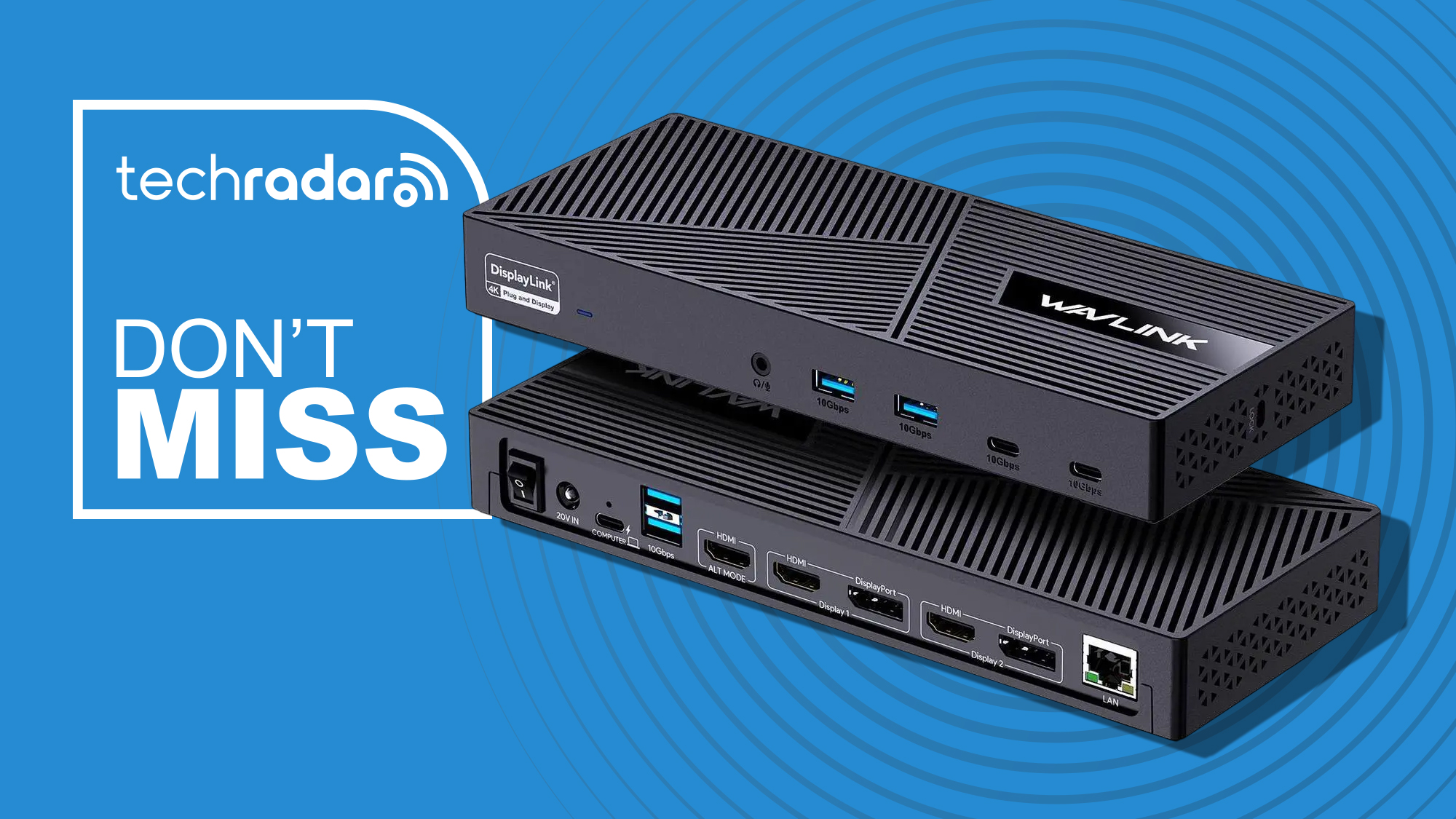
This Wavlink USB-C dock can charge your Windows laptop or MacBook, connect six 10Gbps USB devices, and drive three monitors for just $120
This Wavlink USB-C dock can charge your Windows laptop or MacBook, connect six 10Gbps USB devices, and drive three monitors for just $120 It can turn a laptop into a fully equipped desktop workstation We're big fans of docking stations for adding extra ports and practicality to a work setup. Now, this Wavlink triple-monitor dock has got a discount with plenty of connectivity. Better still, it's compatible with USB-C, Thunderbolt 3/4, and USB4 laptops. • Best for: Remote workers and office professionals who work from a laptop and need a more capable setup without constantly connecting and disconnecting peripherals. • The deal: The Wavlink Triple Monitor Docking Station is $120 (was $160) at Newegg • Why it matters: You can drive up to three external monitors and connect six 10Gbps USB devices, plus there's Gigabit Ethernet and audio. The included 130W adapter can also deliver up to 100W power delivery to a compatible laptop. This USB-C dock supports three external monitors, 100W laptop charging, six 10Gbps USB ports, Gigabit Ethernet and audio, with DisplayLink support for compatible Windows and Mac computers and other devices. Why we recommend it This single dock comes with three HDMI and two DisplayPort connections, with the HDMI Alt Mode output supporting up to 4K at 60Hz and the other display outputs supporting resolutions up to 2560 x 1600 at 60Hz. DisplayLink support is especially useful for Mac owners because it allows compatible Macs to extend their desktops across multiple external monitors even when their native display support is more restrictive. It also works with Windows systems. Price context & historical value Newegg has reduced the Wavlink dock from $159.99 to $119.99, which is a $40 saving of 25%. You're also getting the 130W power adapter and USB-C cable in the box, so you don't need to budget for a separate power supply to take advantage of its laptop-charging capability. Should you buy it? ✅ Buy the Wavlink USB-C dock if... You want to connect several monitors and peripherals to a laptop while keeping your desk setup relatively simple. Six 10Gbps USB ports also give you plenty of high-speed connections for external SSDs and other accessories. ❌ Skip the Wavlink USB-C dock if... You only need a couple of extra USB ports or a single external monitor. A much simpler USB-C hub will do the job for considerably less money. Sign up to the TechRadar Pro newsletter to get all the top news, opinion, features and guidance your business needs to succeed! Wayne Williams is a freelancer writing news for TechRadar Pro. He has been writing about computers, technology, and the web for 30 years. In that time he wrote for most of the UK’s PC magazines, and launched, edited and published a number of them too. You must confirm your public display name before commenting Please logout and then login again, you will then be prompted to enter your display name.
Comments
No comments yet. Start the discussion.