Treating Prompt Templates as Hyperparameters in Scikit-LLM GridSearchCV
Treating Prompt Templates as Hyperparameters in Scikit-LLM GridSearchCV
Introduction
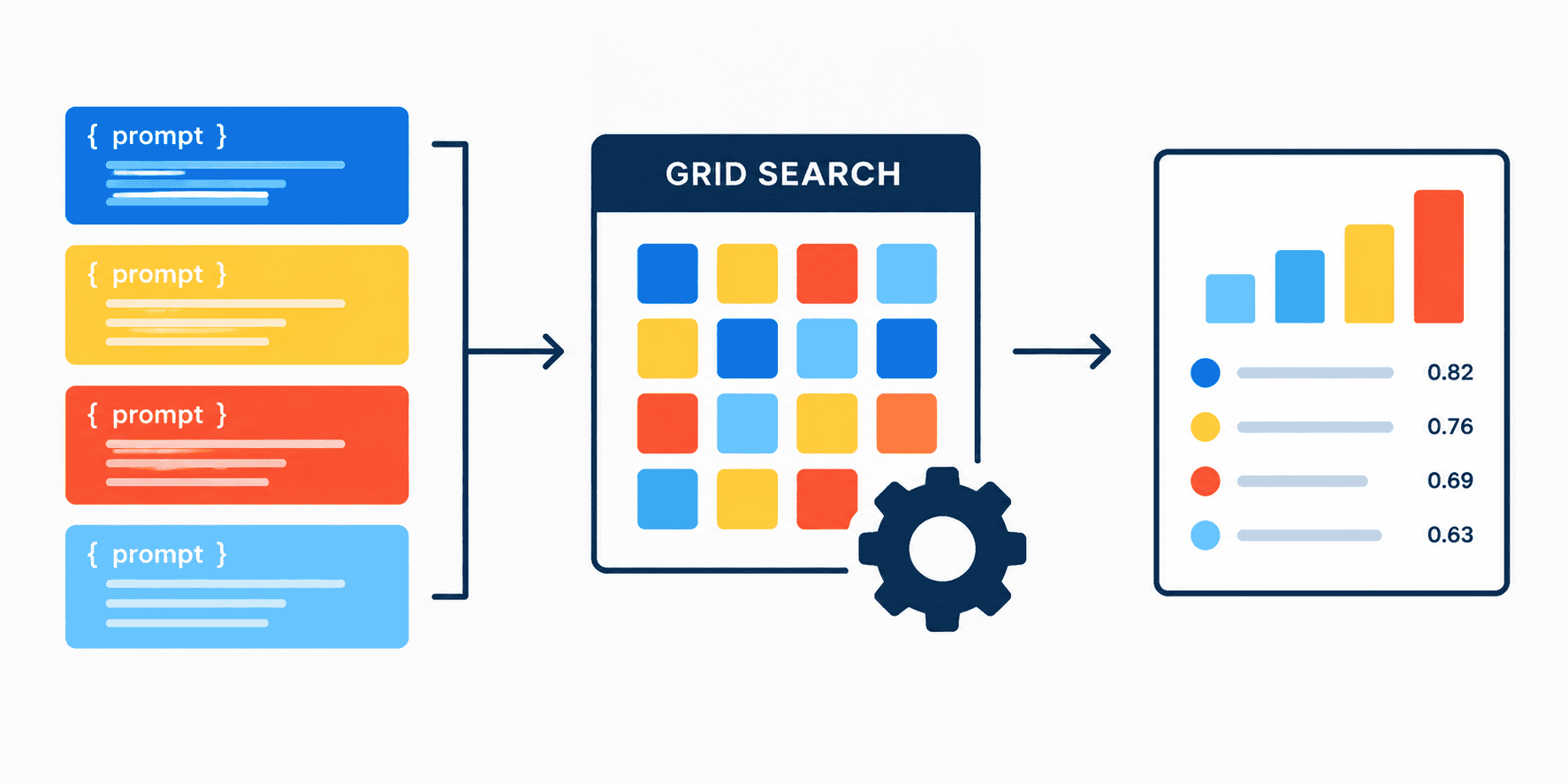
In traditional machine learning, hyperparameter optimization via search algorithms-such as grid search or random search-is a common technique used by data scientists to test different settings or configurations of machine learning models and find combinations that yield optimal performance, e.g., maximum accuracy. This article demonstrates how to apply the same approach to natural language processing by treating prompt instructions as tunable hyperparameters-essentially determining which prompt for a language model works best.
We will wrap the AI model in a custom container compatible with scikit-learn, allowing us to supply plug-in models with diverse prompt templates, automate the evaluation process, and score how well they classify text. By doing so, we move beyond simply choosing a model architecture and instead optimize the prompt itself as a hyperparameter, mirroring conventional ML practices but applied directly to natural language understanding and generation tasks.
Complete Example - Step by Step
For a smoother execution, we take several practical safeguards:
- Model loading: The AI model is loaded into memory only once before starting the tests, saving significant execution time compared to reloading inside the testing loop.
- Prompt formatting: We use a hard formatting of the prompt as a "chat message," encouraging the model to follow instructions and answer questions rather than defaulting to unconditional text completion.
Imports
import numpy as np
from sklearn.base import BaseEstimator, ClassifierMixin
from sklearn.model_selection import GridSearchCV
from transformers import pipeline
Initialize the Model
We begin by initializing the model with a fast, free option suitable for demonstration:
generator = pipeline("text-generation", model="Qwen/Qwen2.5-0.5B-Instruct")
Define the Custom Classifier
Next, we create a custom class that inherits BaseEstimator and ClassifierMixin to serve as a zero-shot text classifier. Since no explicit training on a new dataset is required, the model leverages its pretrained knowledge to infer classes (e.g., positive vs. negative).
class ZeroShotPromptClassifier(BaseEstimator, ClassifierMixin):
    def __init__(self, generator, prompt_template="Classify as positive or negative: {text}"):
        self.generator = generator
        self.prompt_template = prompt_template

    def fit(self, X, y=None):
        return self

    def predict(self, X):
        predictions = []
        for text in X:
            prompt = self.prompt_template.format(text=text)
            messages = [{"role": "user", "content": prompt}]
            output = self.generator(messages, max_new_tokens=5, pad_token_id=self.generator.tokenizer.eos_token_id)
            reply = output[0]['generated_text'][-1]['content'].strip().lower()
            if "positive" in reply:
                predictions.append("positive")
            elif "negative" in reply:
                predictions.append("negative")
            else:
                predictions.append("unknown")
        return np.array(predictions)
Class Methods Explained
__init__()initializes the classifier by storing the text-generation model and the prompt template.fit()performs no real action since zero-shot classification does not require additional training.predict()processes each input text by formatting it as a chat message, generating a response from the model, and extracting the assistant's reply to determine sentiment polarity.
Dataset Preparation
To demonstrate the approach, we use a small toy dataset of four reviews with corresponding sentiment labels:
X = np.array([
    "I absolutely love this new feature!",
    "This update completely broke my workflow.",
    "Best user experience I have had all year.",
    "Terrible customer service and slow load times."
])

y = np.array(["positive", "negative", "positive", "negative"])
Running Grid Search
With the classifier instantiated and the candidate prompt templates defined, we set up a GridSearchCV to perform cross-validated hyperparameter tuning. Given the tiny dataset size, two-fold cross-validation provides sufficient exploration:
clf = ZeroShotPromptClassifier(generator=generator)

param_grid = {
    'prompt_template': [
        "Classify as positive or negative: {text}",
        "Is the sentiment positive or negative? Text: {text}",
        "Analyze this review. Output 'positive' or 'negative': {text}"
    ]
}

grid = GridSearchCV(clf, param_grid, cv=2, scoring='accuracy')
grid.fit(X, y)
Interpreting Results
After completing the grid search, we examine the optimized configuration and performance metrics:
print("Optimization Complete!")
print(f"Best Prompt Template: '{grid.best_params_['prompt_template']}'")
print(f"Best Cross-Validated Accuracy: {grid.best_score_ * 100}%")
Output:
Optimization Complete!
Best Prompt Template: 'Analyze this review. Output 'positive' or 'negative': {text}'
Best Cross-Validated Accuracy: 75.0%
This result confirms that treating prompt templates as tunable hyperparameters is effective. The selected prompt-"Analyze this review. Output 'positive' or 'negative': {text}"-achieves the highest cross-validated accuracy among the candidates.
Conclusion
By framing prompt templates as hyperparameters within a scikit-learn-based grid search framework, we can systematically discover which phrasing elicits the most accurate responses from a language model. This approach aligns natural language tasks with established machine learning optimization techniques, enabling practitioners to engage in "systematic prompt engineering"-identifying the precise way to instruct a model to solve a problem. While the demo uses a minimal dataset for brevity, expanding both the dataset size and the pool of candidate prompts would yield more robust and generalizable findings. Additionally, users may wish to suppress warnings during development by setting transformers.logging.set_verbosity_error().
Comments
No comments yet. Start the discussion.