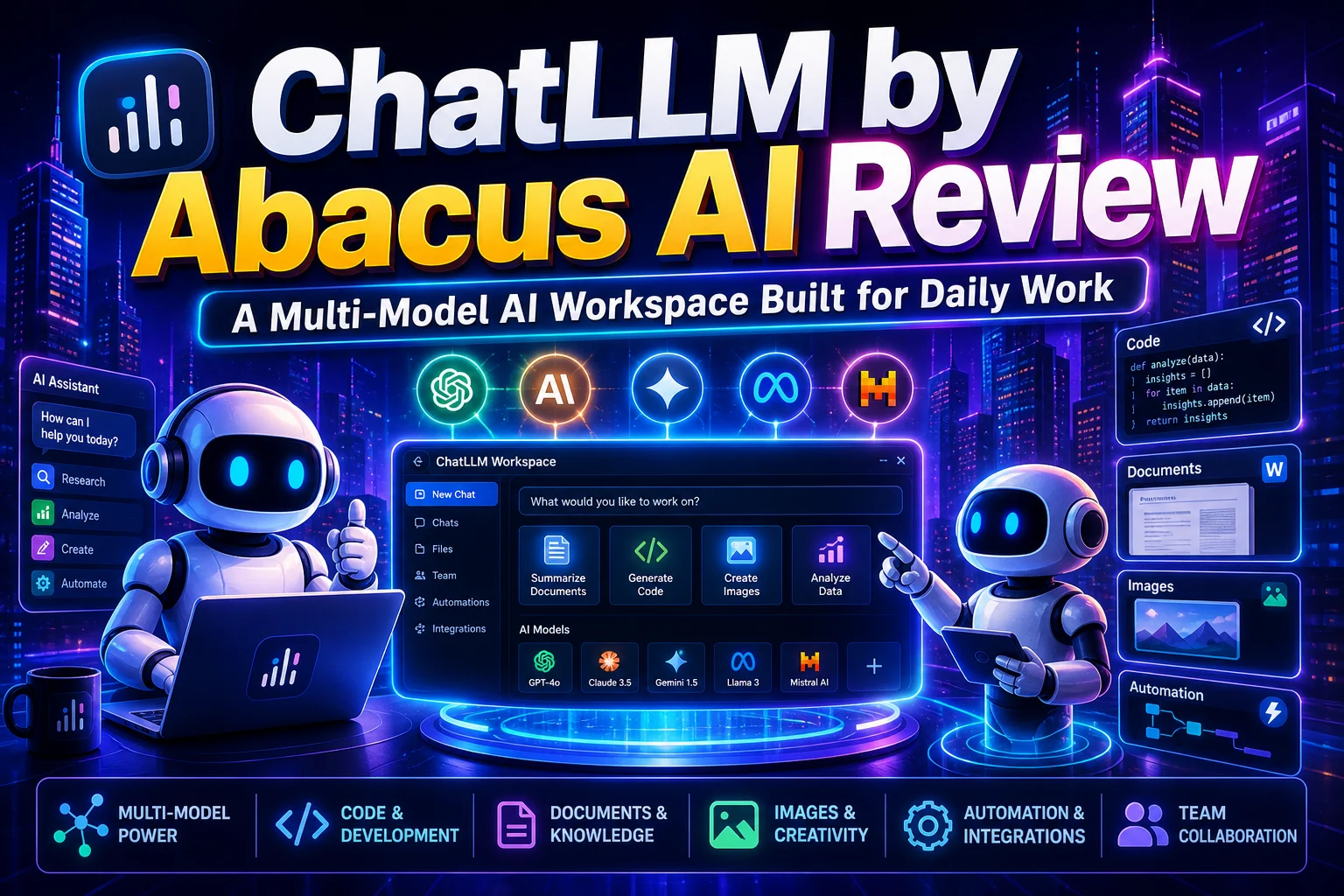
ChatLLM by Abacus AI Review: A Multi-Model AI Workspace Built for Daily Work
What Is ChatLLM? A Quick Overview of Abacus AI's Multi-Model Platform
ChatLLM is an AI workspace developed by Abacus AI that provides access to multiple large language models (LLMs) from one interface. Rather than choosing between ChatGPT, Claude, Gemini, Grok, DeepSeek, or Qwen, users can access all of them inside a single platform. The platform also includes AI agents, document analysis, coding tools, image generation, workflow automation, and team collaboration features.
In simple terms, ChatLLM aims to be a single destination for most AI-related work.
A Beginner's Guide to How ChatLLM Works
For beginners, ChatLLM works much like a standard AI chatbot. For example:
- Use GPT-5.5 for reasoning and writing.
- Switch to Claude for long-document analysis.
- Use Gemini for research tasks.
- Use Codex for software development.
- Generate images with GPT Image or Flux.
- Run advanced workflows through AI agents.
Everything happens from one dashboard without needing multiple subscriptions.
If you're brand new, here's a simple mental model:
- Pick a task (write, research, code, analyze a file, create an image).
- Choose a model (or use routing-more on that later).
- Provide context:
- Paste text, instructions, or data
- Upload a file (PDF, CSV, PPT, image, etc.)
- Iterate:
- Ask for revisions
- Request a structured output (checklists, tables, drafts, plans)
- Operationalize (optional):
- Save outputs into your project workflow
- Turn repeated needs into a custom bot or agent
- Share with teammates
Which AI Models Can You Access Through ChatLLM?
One of ChatLLM's biggest strengths is model diversity. The platform regularly updates its model library and adds newly released models shortly after launch. Current model access includes:
OpenAI Models
- GPT-5.5
- GPT-5.5 Thinking
- GPT-5.5 Pro
- Codex 5.3
- o3
- GPT Image
Anthropic Models
- Claude Sonnet 4.6
- Claude Opus 4.8
Google Models
- Gemini 3.1 Pro
- Gemini 3.5 Flash
xAI Models
- Grok 4.3
Additional Models
- DeepSeek v4
- Qwen 3.7 Max
- Kimi 2.7 Thinking
- GLM 5.1
- Various open-source LLMs
Having access to multiple models is useful because different AI systems excel at different tasks.
Complete Features of ChatLLM
ChatLLM is much more than a chatbot. It combines multiple AI capabilities within a single platform.
1. Multi-Model AI Chat
Access dozens of AI models without purchasing separate subscriptions.
2. Document Analysis
Upload:
- PDFs
- Word documents
- PowerPoint files
- Images
- Research papers
The AI can summarize, analyze, explain, and answer questions about uploaded files.
3. Data Analysis
Users can upload:
- CSV files
- Excel spreadsheets
The system can analyze data, identify trends, and generate charts.
4. Image Generation
ChatLLM supports several image-generation models including:
- GPT Image
- Nano Banana Pro
- Flux Pro
- Flux Kontext
- Ideogram
- Recraft
- Seedream
- DALL·E
This allows users to create marketing visuals, illustrations, product concepts, and social media graphics.
5. Video Generation
Video creation is available through Abacus Studio using models such as:
- Sora 2
- Veo 3.1
- Kling AI v3
- Seedance 2.0
This expands the platform beyond text and images.
6. Web Search
The platform can retrieve current information from the web, making it useful for research and fact-finding tasks.
7. Text Humanization
Users can rewrite content in different styles including:
- Professional
- Humorous
- Caring
This helps adapt content for different audiences.
8. Custom Instructions
You can provide personal preferences, company guidelines, or project requirements that apply across conversations.
9. Code Playground
Generate and execute code directly inside the platform. This is useful for:
- Testing scripts
- Learning programming
- Prototyping applications
10. AI Engineer
The AI Engineer feature helps users build:
- Custom chatbots
- AI workflows
- Automated applications
...without extensive technical knowledge.
11. AI Agents
Users can create autonomous agents that perform recurring tasks and workflows.
12. Enterprise Integrations
ChatLLM supports connections with:
- Google Drive
- Gmail
- Google Calendar
- Slack
- Teams
- Confluence
This allows AI to interact with business data and workflows.
13. Mobile Applications
Dedicated Android and iPhone applications provide access on the go, including voice capabilities.
Benefits of ChatLLM
After reviewing the platform, several advantages stand out.
- Access to Multiple Premium Models: Instead of paying separate subscriptions, users can access many leading AI models from one place.
- One Platform for Different Tasks: Writing, coding, image generation, document analysis, and automation can all be managed inside the same workspace.
- Frequent Model Updates: New AI models are added quickly after release.
- Useful for Teams: Collaboration features make it suitable for startups, agencies, and business teams.
- Automation Capabilities: AI agents reduce manual work by handling repetitive processes.
- Strong Security Focus: According to Abacus AI, user data is encrypted and not used for training. The company also states that it maintains enterprise compliance standards including SOC-2 Type-2 and HIPAA.
Does ChatLLM Have Usage Limits?
One of the biggest concerns with AI subscriptions is how much you can actually use the service before running into restrictions. According to Abacus AI, ChatLLM offers more generous usage limits than many standalone AI platforms. Users can typically send thousands of text-based messages using popular models like GPT-5.5, Sonnet 4.6, and Gemini 3.1 Pro without hitting limits during normal usage.
However, ChatLLM also uses a credit-based system for resource-intensive tasks. Credits are consumed based on factors such as:
- Image generation
- Video generation
- Large file uploads
- Advanced AI workflows
- Complex document processing
In general, standard text conversations consume far fewer resources than multimedia or agent-based tasks. Users who frequently generate videos or work with large attachments may notice credits being used more quickly.
If a usage limit is reached, ChatLLM can automatically switch requests to another available model, helping users continue working without major interruptions. For most freelancers, developers, marketers, and business users, the platform's limits are unlikely to be restrictive during everyday use.
ChatLLM RouteLLM: How It Automatically Chooses the Best AI Model
One interesting capability inside ChatLLM is RouteLLM. Rather than forcing users to manually decide which AI model to use for every request, RouteLLM helps determine the most suitable model automatically.
For example:
- Coding tasks may be routed toward coding-focused models.
- Research tasks may use reasoning-focused models.
- Creative writing may use models optimized for language generation.
This reduces trial and error while improving efficiency. For beginners, it removes much of the complexity involved in choosing among dozens of available models.
Is ChatLLM Good for Coding?
Yes, coding is one of the areas where ChatLLM performs particularly well. Several factors contribute to this:
Access to Coding Models
Developers can use:
- Codex 5.3
- GPT-5.5
- Claude models
- Gemini models
- DeepSeek models
...for software development tasks.
Code Playground
Generated code can be tested directly within the platform.
AI Desktop Integration
The included Abacus AI Desktop environment adds additional coding capabilities.
AI Agents
Developers can automate repetitive development workflows using AI agents.
For hobbyists, students, and professional developers, ChatLLM provides a fairly comprehensive AI coding environment.
Is ChatLLM Better Than ChatGPT?
The answer depends on what you need.
ChatGPT May Be Better For
- Users who primarily rely on OpenAI models
- People who prefer a simpler interface
- Individuals heavily invested in the OpenAI ecosystem
ChatLLM May Be Better For
- Users who want access to multiple AI models
- Teams managing AI workflows
- Developers using several coding models
- Businesses requiring integrations and automation
- Users who frequently compare model outputs
The biggest difference is flexibility. ChatGPT focuses mainly on OpenAI's ecosystem, while ChatLLM focuses on providing access to many AI ecosystems simultaneously.
Bonus Access to Abacus AI Agent and Abacus AI Desktop
A notable part of the subscription is that ChatLLM includes access to additional Abacus AI products.
Abacus AI Agent
The general-purpose AI agent can help with:
- Research
- Data analysis
- Workflow automation
- App generation
- Document creation
- Slide generation
- Video creation
It acts more like a task executor than a traditional chatbot.
Abacus AI Desktop
Abacus AI Desktop functions as an AI-powered desktop assistant. Features include:
- Coding assistance
- Bug fixing
- Feature generation
- Desktop automation
- Agentic workflows
Users interested in AI-assisted software development may find this addition particularly valuable.
Who Should Use ChatLLM?
ChatLLM is designed for a broad audience.
- Freelancers: Useful for content creation, research, coding, and client work.
- Developers: Access to multiple coding models makes it suitable for software projects.
- Marketing Teams: Content creation, campaign planning, image generation, and workflow automation are all available.
- Agencies: Agencies managing multiple clients can benefit from collaboration features and AI integrations.
- Small Businesses: The combination of AI chat, automation, and integrations can reduce operational workload.
- Researchers: Document analysis and access to multiple reasoning models make research workflows easier.
ChatLLM Subscription: Is ChatLLM Worth $10 Per Month?
ChatLLM currently costs:
- $7 for the first month
- $10 per user per month afterward
Whether it's worth the cost depends on how many AI tools you currently use. If you already pay for multiple AI subscriptions, consolidating them into one platform could reduce expenses. On the other hand, if you only use a single AI model occasionally, a dedicated subscription to that model may be sufficient.
For users who frequently switch between models, perform research, generate images, write content, code applications, and automate workflows, the pricing appears competitive relative to the breadth of tools included.
Watch ChatLLM in Action: Full Platform Demo
For readers who want to see the platform in action, Abacus AI provides a full product walkthrough demonstrating ChatLLM, AI agents, automation tools, coding features, and workspace capabilities.
Demo Video: Watching the demo provides a clearer understanding of how the different features work together in a real workflow.
Conclusion
ChatLLM by Abacus AI is more than a traditional AI chatbot. It combines access to numerous leading AI models with document analysis, coding tools, image generation, automation, AI agents, integrations, and collaboration features into a single workspace.
Comments
No comments yet. Start the discussion.