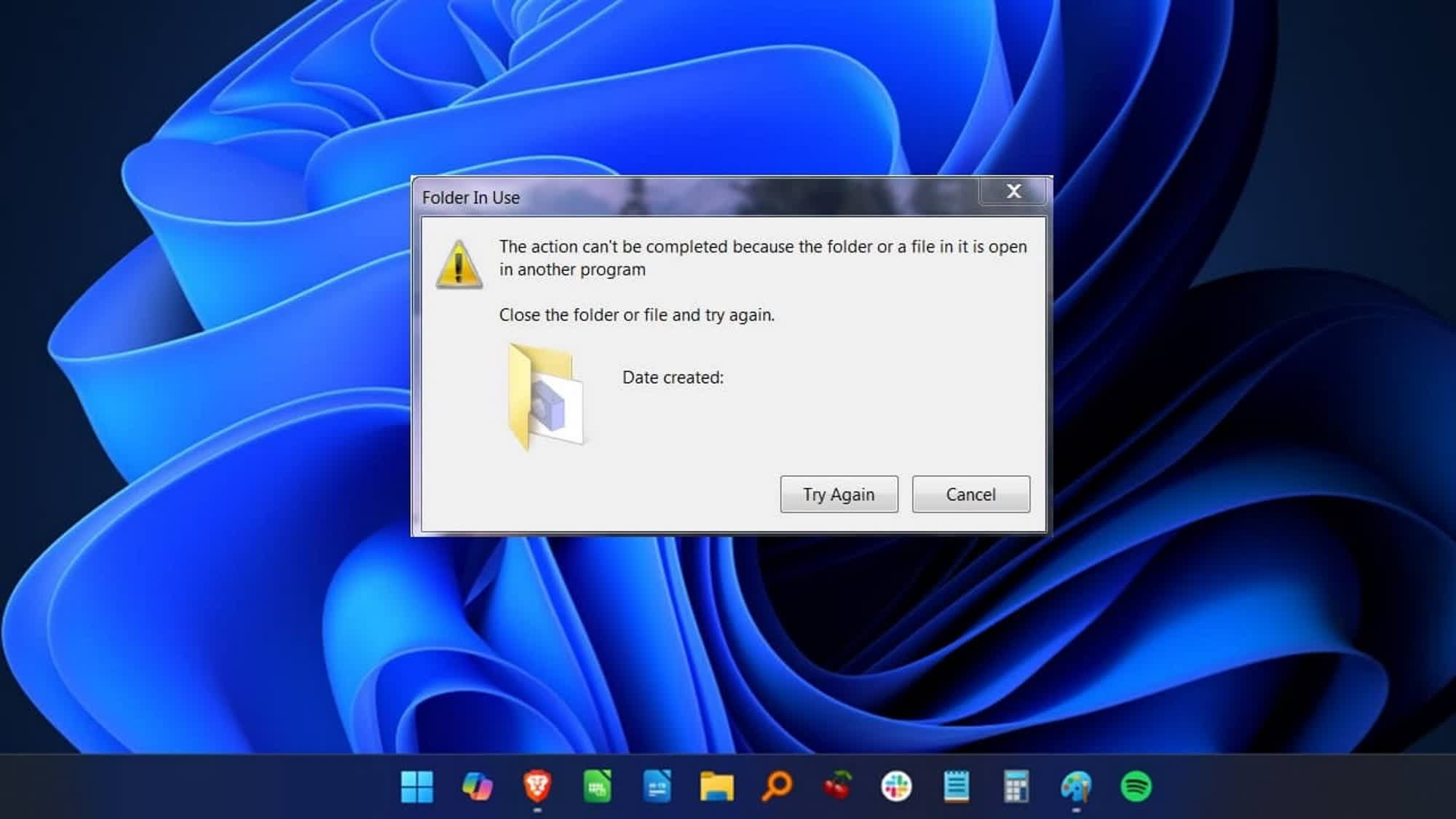
Microsoft's own Azure CTO is still annoyed by Windows' "file in use" error
Microsoft's own Azure CTO is still annoyed by Windows' "file in use" error
In a recent video published on the "Microsoft Developer" YouTube channel, Russinovich offered a concise explanation of what the "file is in use" error message means when Windows refuses to comply with a request.
The creator of Sysmon, Process Explorer, and other popular Windows utilities discussed file handles and why Windows locks files that are currently open by a process.
The core problem
When a program opens a file, Windows creates a file handle that grants access to that file. If another program tries to access the same file while the first program still holds the handle, Windows displays the infamous "file in use" error.
Russinovich explained that this behavior is by design - it prevents data corruption that could occur if multiple processes write to the same file simultaneously.
Why it still frustrates developers
Despite being a well-understood mechanism, the error remains a persistent annoyance for developers and power users. Common scenarios include:
- Trying to delete a compiled binary while the debugger still has it open
- Attempting to edit a configuration file that a running service is using
- Renaming or moving files that are locked by background processes
Tools to diagnose the issue
Russinovich pointed to several utilities that can help identify which process is holding a file handle:
- Process Explorer - his own tool that shows open handles for each process
- Handle - a command-line utility that can search for processes holding a specific file
- Sysinternals Suite - a collection of tools for troubleshooting Windows
The ideal solution
The Azure CTO expressed his wish for a more user-friendly approach. Instead of just showing the error, Windows could identify the offending process and offer options to close the handle or retry the operation.
He acknowledged that implementing such a feature is complex, as it requires careful handling of permissions and process ownership, but believes it would significantly improve the developer experience on Windows.
Comments
No comments yet. Start the discussion.